Coverage survey
We measure the signal room by room, check what the walls and floors are made of and find the dead zones. Using the floor plan, we work out how many access points you need and where they should go.
In a two-storey house with concrete floors, a single router — however expensive — won't reach every room, let alone the garage or the gazebo. Off-the-shelf extenders usually just hide the problem: the Wi-Fi icon is there, the speed isn't. We take a different approach: we run a cable to every access point and set them all up as one network. We work in Kyiv and the surrounding towns, including Bucha, Irpin, Bilohorodka and Vyshneve.
We measure the signal room by room, check what the walls and floors are made of and find the dead zones. Using the floor plan, we work out how many access points you need and where they should go.
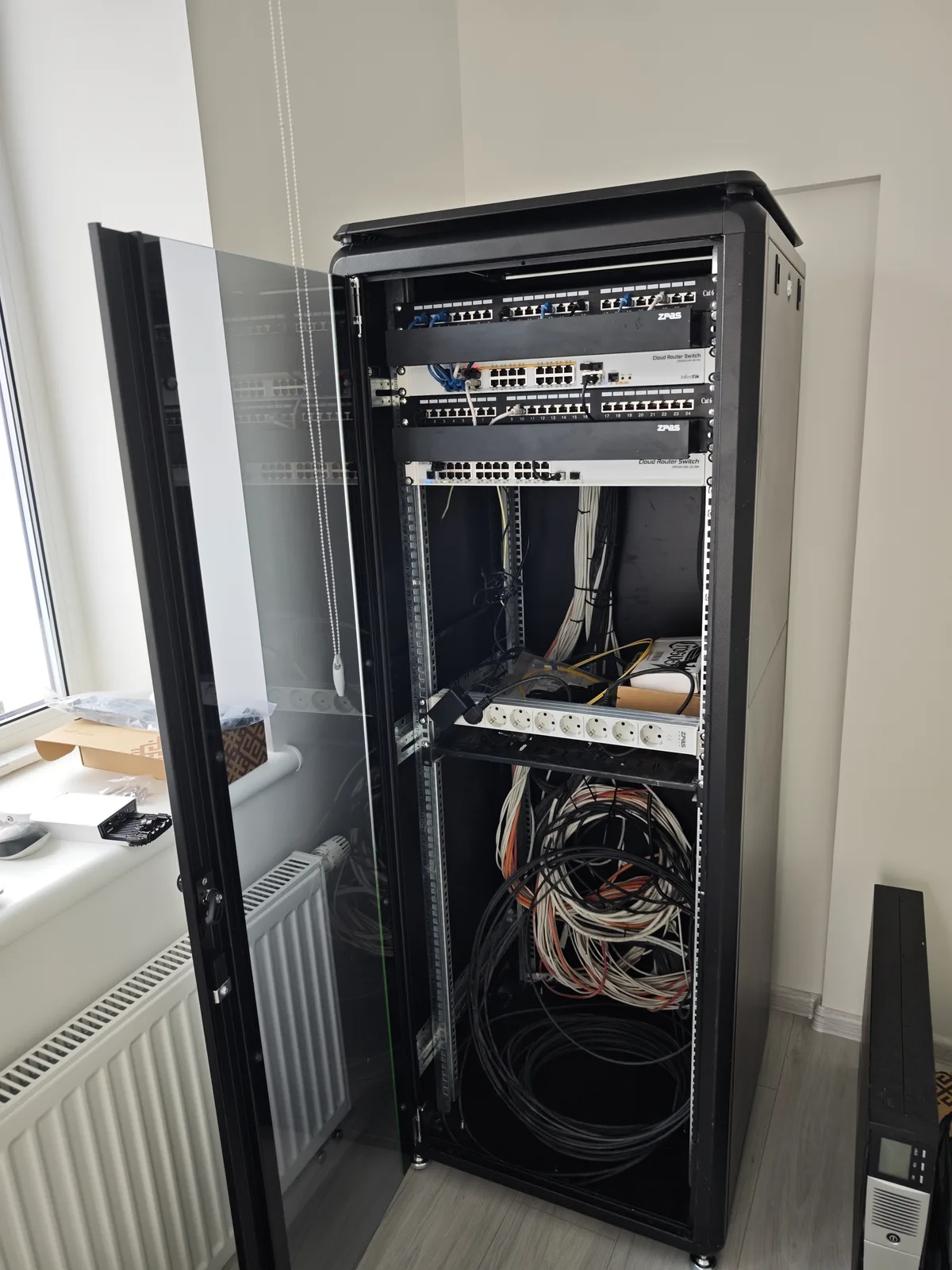
Each access point gets its own cable from the network cabinet or router. That way it gets full speed and power over the same cable (PoE), instead of sharing airtime with the next access point the way extenders do.
We mount access points on ceilings or walls where they cover the most space without drawing attention. They all share one network name and password, so your phone moves to the nearest one as you walk around the house. Everything is managed centrally, with MikroTik CAPsMAN or a mesh system from a single vendor.
We split the network into isolated segments (VLANs): cameras in one, smart home devices in another, guests in a third. Guests get internet access but can't see your computer or video recorder, and a cheap smart gadget can't reach your files.
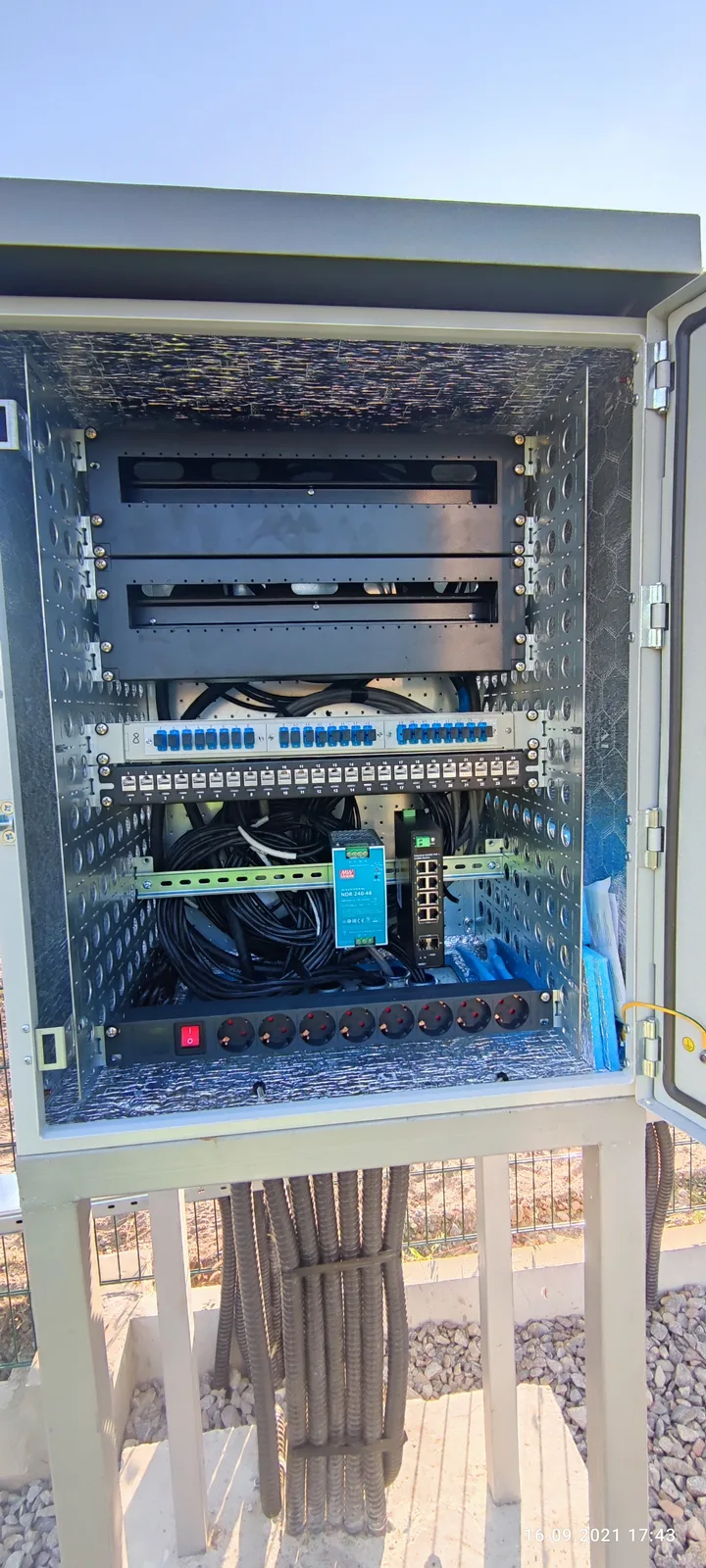
Outdoors we use weatherproof access points. To reach a garage or summer kitchen we run cable through protective conduit, or, where digging a trench makes no sense, set up a wireless bridge between the buildings.
We connect the router, switch and access points to a UPS or to your backup inverter, so the Wi-Fi doesn't go down with the power. We also set up access to the network and cameras from your phone while you're away. If you'd like, we can take on ongoing support of the network — ours or one set up by someone else — and arrange warranty or paid repairs through a service centre if equipment fails.
Tell us about the house: number of floors, floor area, where the router is and where the signal drops. A floor plan or a few photos help us prepare for the visit. You can get a rough access point count in advance with our calculator at /tools/wifi-access-points.
The engineer measures the signal, assesses the walls and picks the access point locations and cable routes. You get an estimate listing the equipment and work before anything is installed.
We run the cable, mount the access points, and configure the router, the separate networks and backup power. Every cable run is tested with a cable tester.
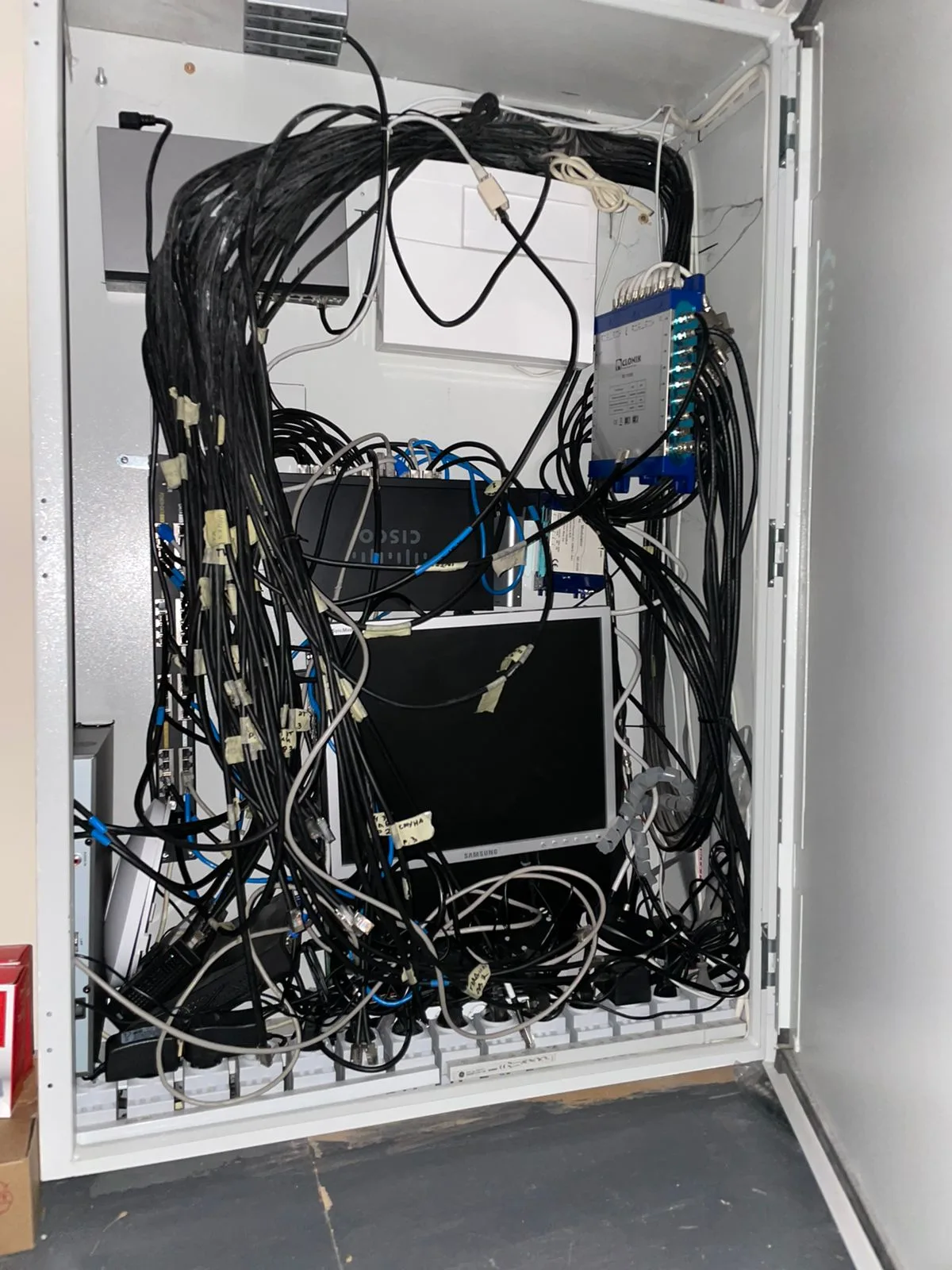
We walk the house again measuring the signal and check that your phone moves smoothly between access points. You get the passwords and a cabling diagram, and we show you how to connect a guest.
Prices are for labour only; equipment is extra — buy it yourself or order it through us. We confirm the exact total after the site visit: it depends on the number of access points, the length of the cable runs, and whether the cable goes in before renovation or into finished rooms.
| Cat5e / Cat6 cable installation | m | from 25 ₴ |
| RJ-45 wall socket installation | pc | from 150 ₴ |
| Wi-Fi access point installation | pc | from 400 ₴ |
| Cable run testing | run | from 80 ₴ |
| MikroTik router and unified network setup (CAPsMAN, VLANs) | project | per estimate |
| Engineer visit in Kyiv (credited toward the work) | visit | from 1,500 ₴ |
| Engineer visit in Kyiv region (credited toward the work) | visit | from 2,000 ₴ |
An extender picks up the router's weak signal and rebroadcasts it over the same airwaves, so speeds behind it are usually noticeably lower than next to the router. Through a concrete floor it struggles to receive in the first place. An access point with its own cable gets full speed regardless of the walls, which makes it the more reliable option for a house.
All access points share one name and password and are managed from one place. Your phone switches to the nearest access point on its own, with no need to reconnect manually, and a video call doesn't drop when you walk from the kitchen upstairs. How smoothly the handover happens also depends partly on the phone or laptop itself.
Mesh systems are easier to set up and are managed from an app, which is often enough for a smaller house. MikroTik with CAPsMAN gives you more control: separate networks for cameras and guests, a backup internet connection, fine-grained settings. Both work best when the access points are wired. We recommend one after the site visit, based on your house and budget.
It depends on the floor area, the number of storeys and the wall material: aerated concrete block lets the signal through far better than poured concrete. You can get a rough figure from our calculator at /tools/wifi-access-points; we pin down the exact number on site after measuring the signal.
The router, switch and access points draw little power, so they can run from a small UPS or from your inverter if you already have one. Your home Wi-Fi will then stay up, but internet access also depends on the provider's equipment in the street having power. During the visit we'll explain how to check this and whether a backup connection, such as mobile data, is worth having.
Usually, yes: the provider's router can often be switched to a mode where it only passes the internet connection through, while our equipment runs the network in the house. If the provider doesn't allow that, we put our own router behind it. We'll look at what you have during the visit and suggest the simplest option.
Same rates for the work and the same warranty as in Kyiv. A site visit in the region starts at 2,000 ₴ and is credited toward the job.
Tell us about the job in a short form — from replacing a smart relay to a full rewire. We'll send a preliminary estimate within a day.