Low-voltage cabinet
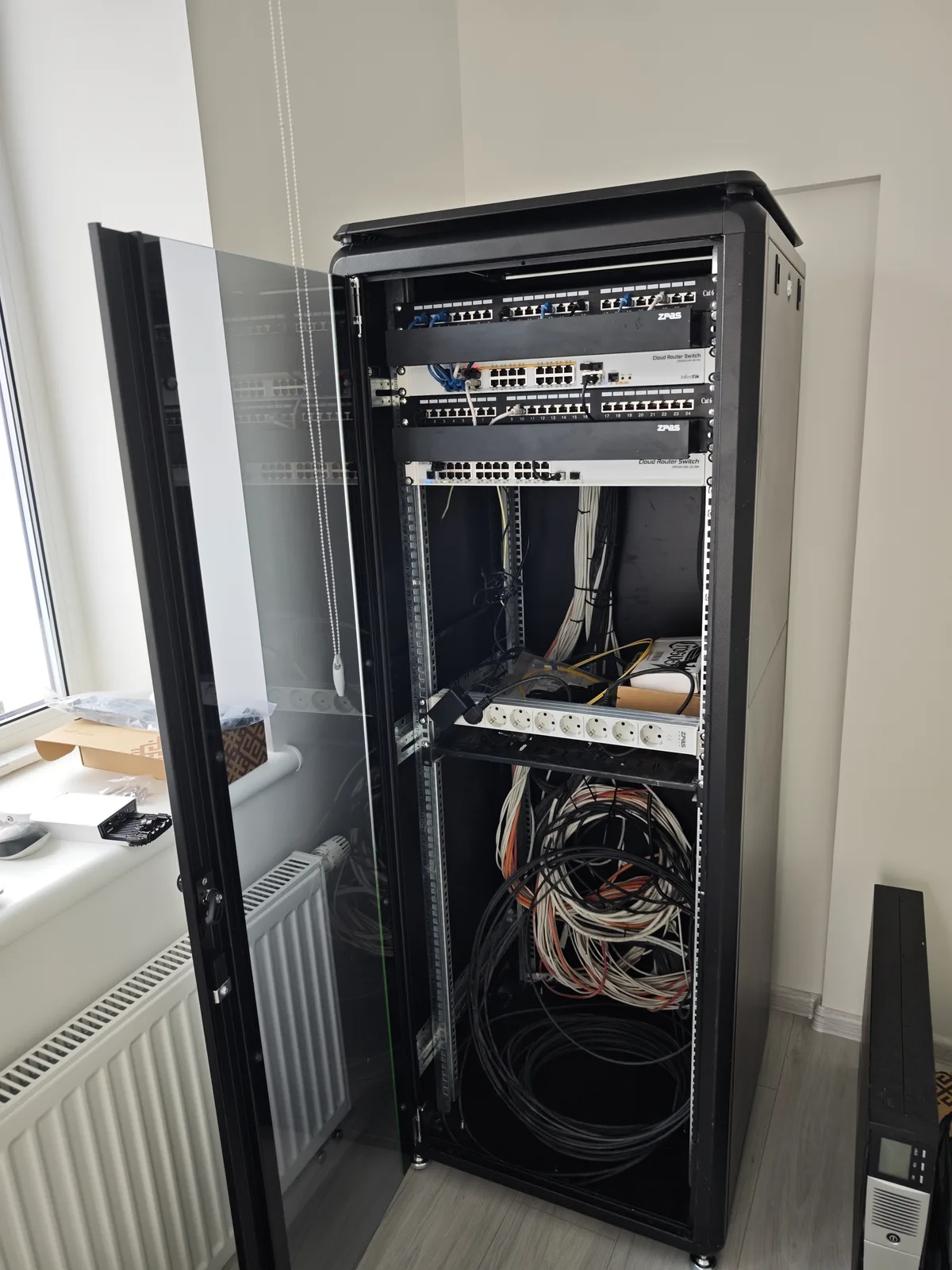
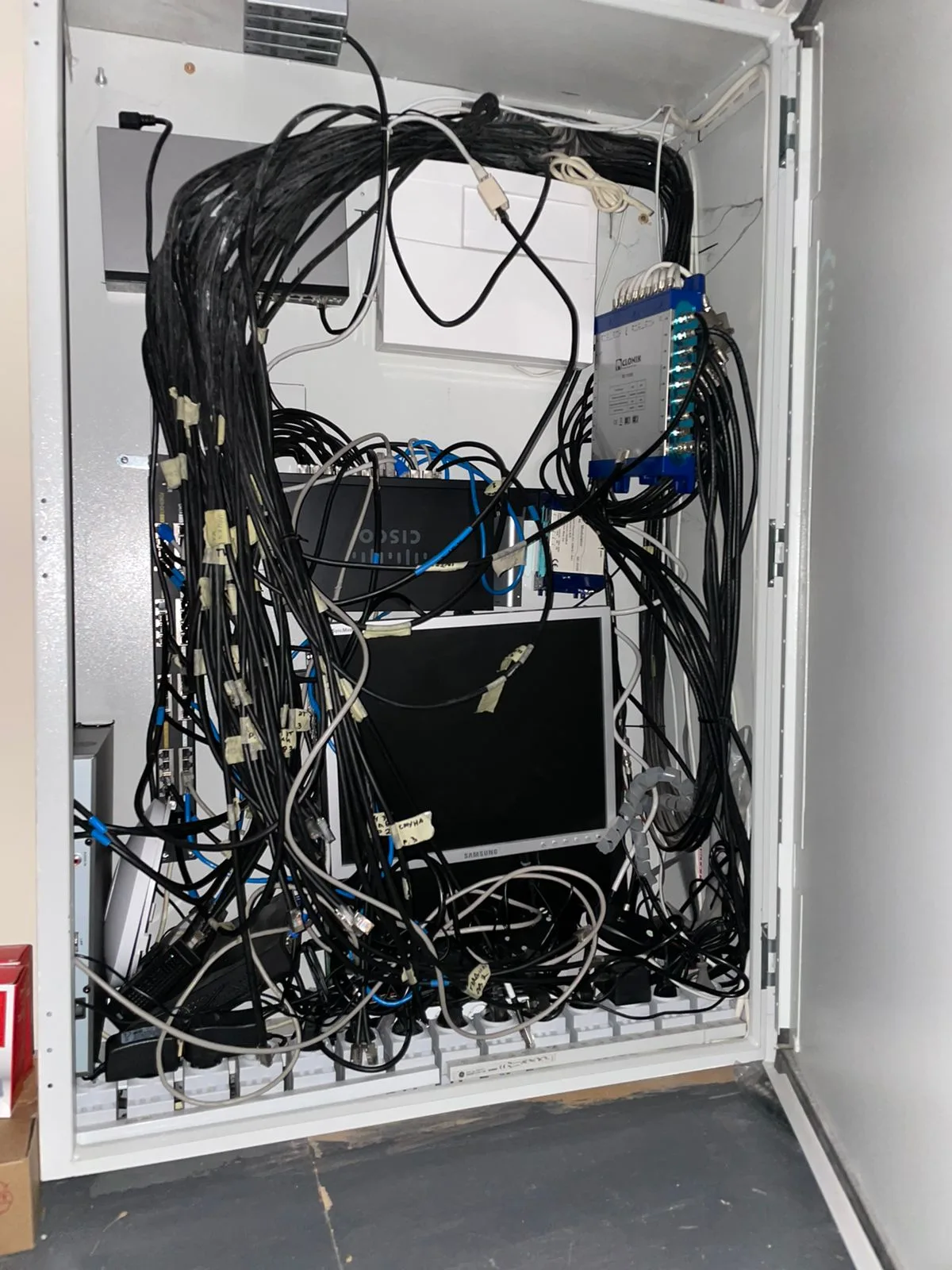
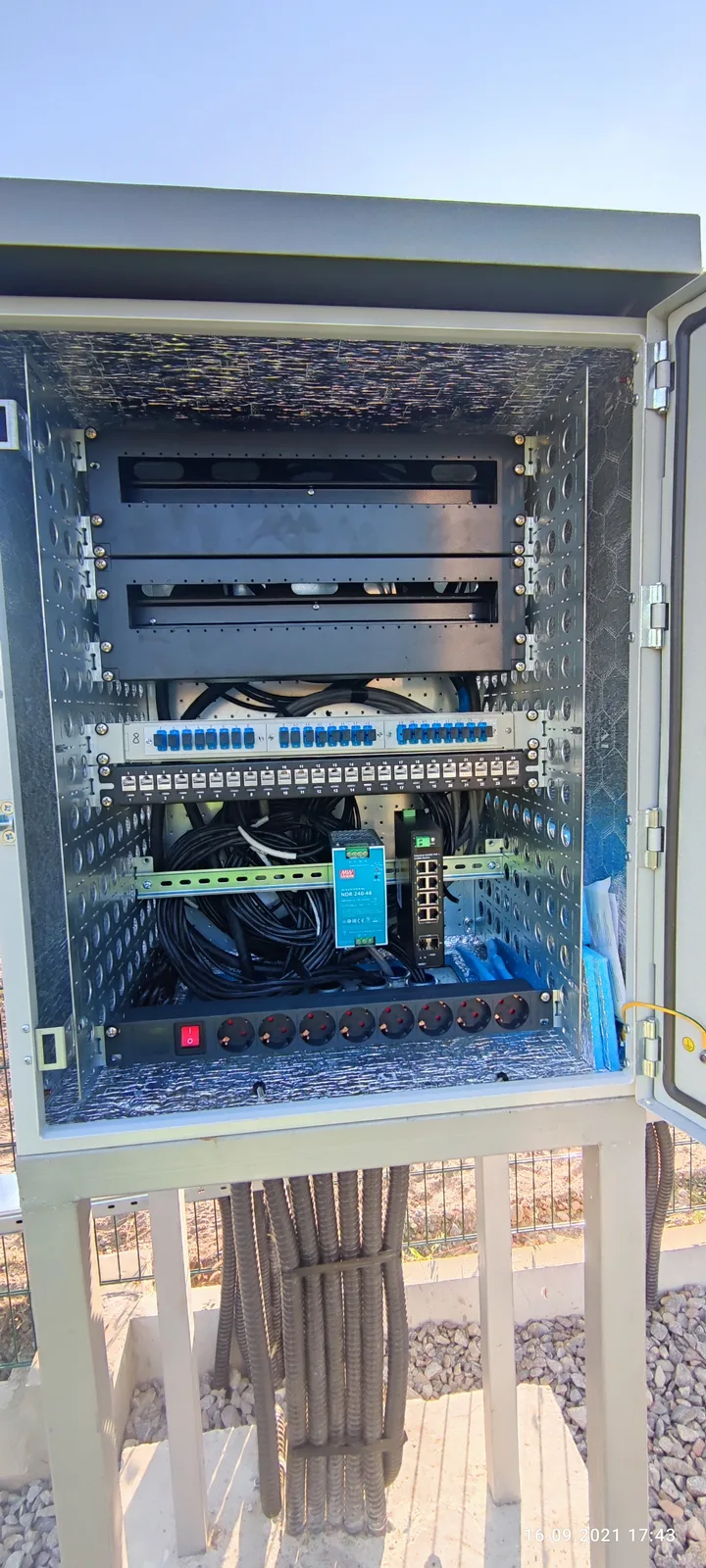
Rack, switch, router, patch panel, and uninterruptible power supply. Ports are labeled — after a year, it's clear which cable goes where.
Internet and Wi-Fi without dead zones: low-voltage cabinet, cable to every room, access points. We test every line — video calls don't break up when you move from room to room.
Rack, switch, router, patch panel, and uninterruptible power supply. Ports are labeled — after a year, it's clear which cable goes where.
From the cabinet to each outlet with a continuous line, without "extensions" in the wall. For TVs, workstations, cameras, and access points.
Multiple access points with a single network and seamless roaming between them. Access points are powered by the same cable — no power adapters in corners.
Wiring for provider, television, and media. A separate network for guests and smart devices — so a cheap gadget doesn't access your computers.
We check each line with a device after installation. A laid cable and a working line look the same externally — the difference only becomes apparent at speed.
We examine the layout, wall thickness, and materials — these determine how many access points are needed and where to place them.
Line plan, equipment list, prices per meter and per port. We explain where you can save without consequences, and where you shouldn't.
Laying, termination, cabinet installation, router and access point configuration.
Line testing results, Wi-Fi coverage measurements by room, passwords, and diagram — to the owner.
Prices for work without the cost of materials and equipment. Transparent equipment selection: we work with well-known global brands and use only high-quality materials.
| Cat5e / Cat6 cable laying | linear meter | from 25 ₴ |
| RJ-45 outlet installation | pc. | from 150 ₴ |
| Wi-Fi access point installation | pc. | from 400 ₴ |
| Line testing | port | from 80 ₴ |
Wi-Fi is the last segment to the device, and it's better the closer the cable is to it. Access points, cameras, TVs, and workstations should be connected by cable: it's independent of neighbors' networks and microwaves. Plus, PoE provides power over the same cable.
A guideline is one access point per floor for a typical house with concrete slabs, plus a separate one for outdoors or a workshop. The exact number is determined on-site: reinforced concrete and load-bearing walls change the picture more significantly than square footage.
Cat5e reliably handles gigabit speeds over typical household lengths and is cheaper. Cat6 makes sense if you plan for 2.5–10 Gbit or lines longer than 50 meters. For most apartments, the difference in real life is imperceptible — don't overpay unnecessarily.
A regular router distributes internet well in a single apartment. When a house has multiple access points, cameras, smart devices, and guests, separate networks, a backup channel, and remote access for service are needed. Professional equipment can do this — and we configure it for your home.
Partially: in conduits, baseboards, or along the ceiling in technical rooms. Concealed laying requires chasing. Therefore, it's best to install the network together with electrical wiring — this is the most cost-effective time.
Same engineer, same prices and warranty — in the satellite towns and suburbs of Kyiv.
Fill in a short form — we'll estimate your project within 1 day.