This is a basic scenario for a small office, apartment, or technical stand: ether1 as WAN, bridge as LAN, DHCP for clients, and NAT for internet access.
Before you start
- make a backup and export;
- make sure you are connected locally or have a backup channel;
- write down the current router IP, login, and access method;
- check if the
192.168.88.0/24subnet is not occupied by the client or VPN.
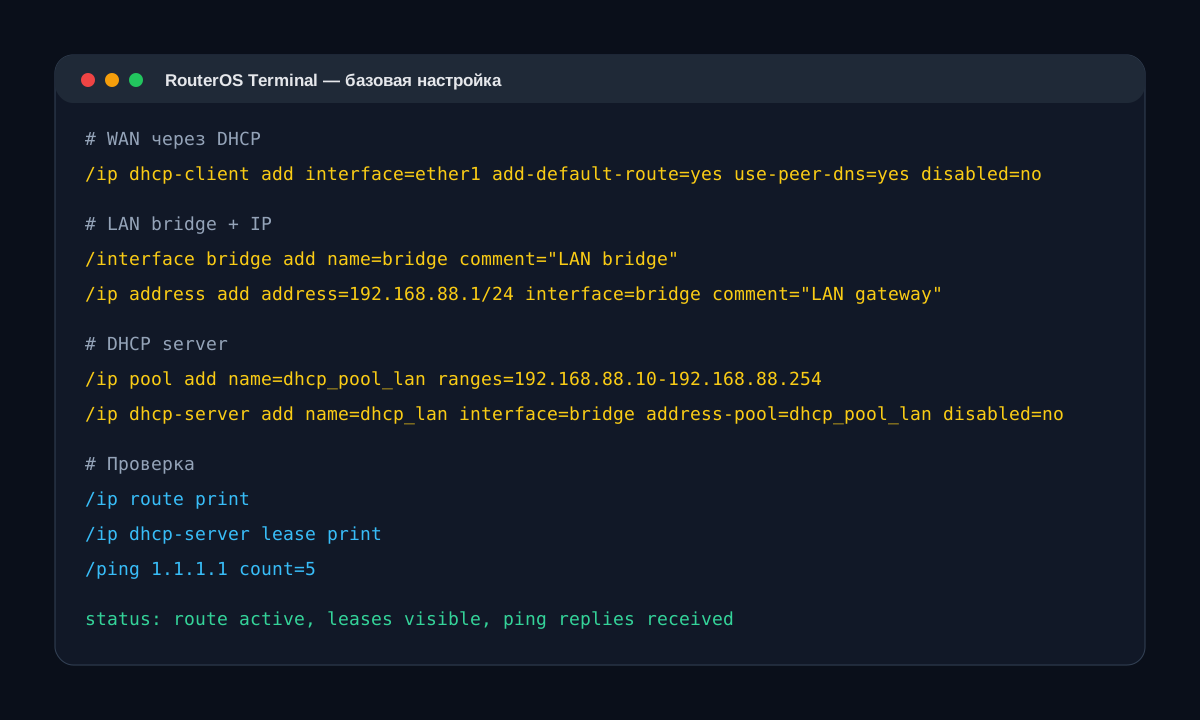
WAN via DHCP
/interface ethernet set [find default-name=ether1] comment="WAN"
/ip dhcp-client add interface=ether1 use-peer-dns=yes add-default-route=yes disabled=no comment="WAN DHCP"
LAN bridge
/interface bridge add name=bridge comment="LAN bridge"
/interface bridge port add bridge=bridge interface=ether2
/interface bridge port add bridge=bridge interface=ether3
/interface bridge port add bridge=bridge interface=ether4
/interface bridge port add bridge=bridge interface=ether5
/ip address add address=192.168.88.1/24 interface=bridge comment="LAN gateway"
DHCP server for LAN
/ip pool add name=dhcp_pool_lan ranges=192.168.88.10-192.168.88.254
/ip dhcp-server add name=dhcp_lan interface=bridge address-pool=dhcp_pool_lan lease-time=1d disabled=no
/ip dhcp-server network add address=192.168.88.0/24 gateway=192.168.88.1 dns-server=1.1.1.1,8.8.8.8
NAT for internet access
/ip firewall nat add chain=srcnat out-interface=ether1 action=masquerade comment="NAT WAN"Verification after application
/ip dhcp-client print detail
/ip address print
/ip route print
/ip dhcp-server lease print
/ping 1.1.1.1 count=5
/tool traceroute 1.1.1.1
Common errors
- WAN cable is not connected to the port configured as WAN.
- LAN pool overlaps with addresses of cameras, NVRs, servers, or another router.
- NAT is configured on the wrong interface, especially if WAN is via PPPoE.
- The
192.168.88.0/24subnet conflicts with VPN or the provider's router.
For a production object, do not stop at basic NAT. Add a firewall, disable management from WAN, add backup access, and comments to rules.